
WHAT LAPSE DOES
See the change you normally miss.
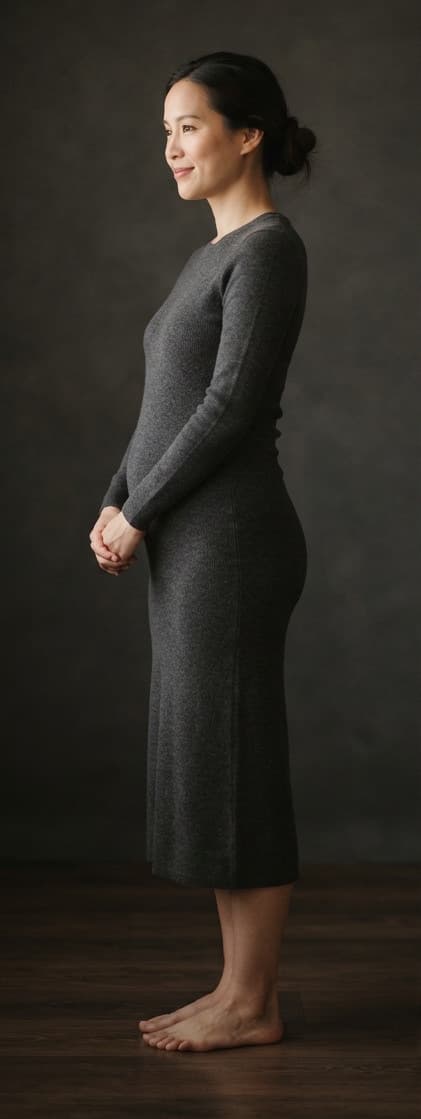
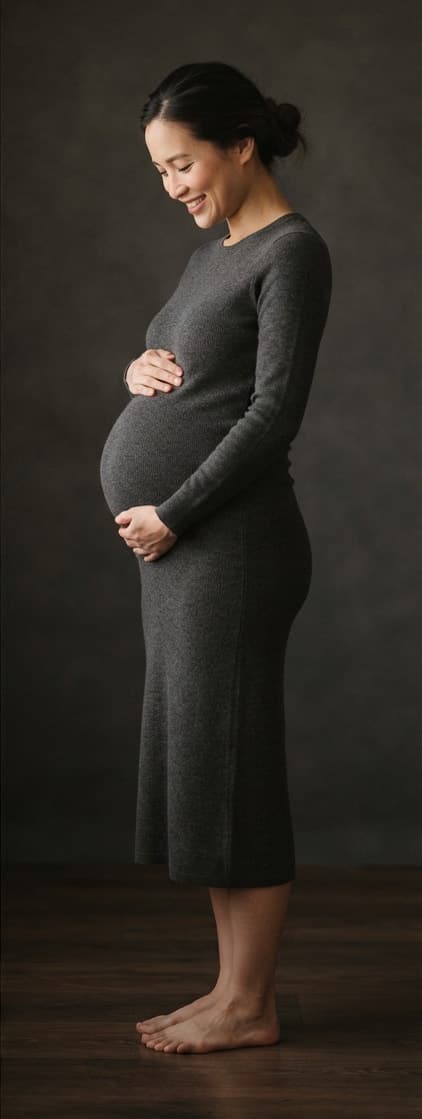
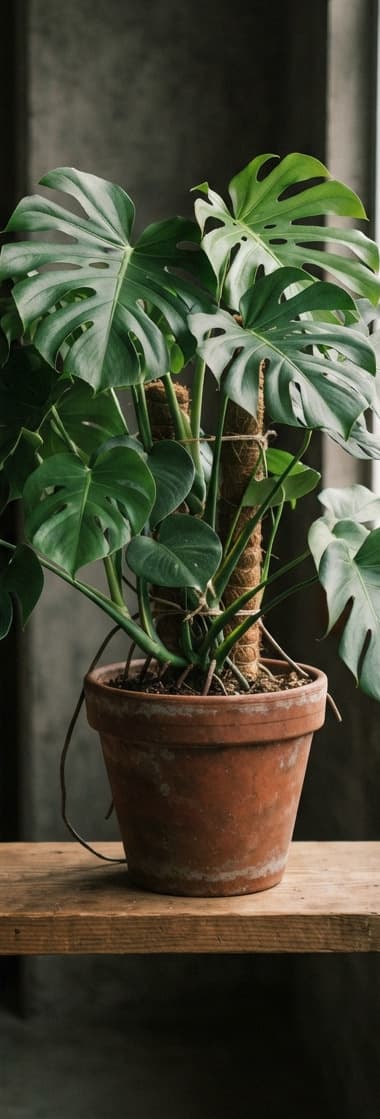
Your body, a bump, a puppy, a plant — framed the same over time. LAPSE lines every photo up against your first one, so months of small change become something you can actually see.

Take the first photo. Come back. Match it. See what changed.
01
Pick something changing
A body, a bump, a puppy, a plant, a room, a tattoo healing. Anything that looks the same day to day and different over months.
02
Take one reference photo
It does not need to show progress. It gives every future photo something to compare against.
03
Come back on your rhythm
One reminder, on the day and at the time you chose. Miss one and you carry on with the next — nothing resets.
04
Watch it move
Drag between day one and today, or play the whole thing back as one transformation.
The same frame, months apart.
These are the examples the app itself ships with — the kinds of change people track most.
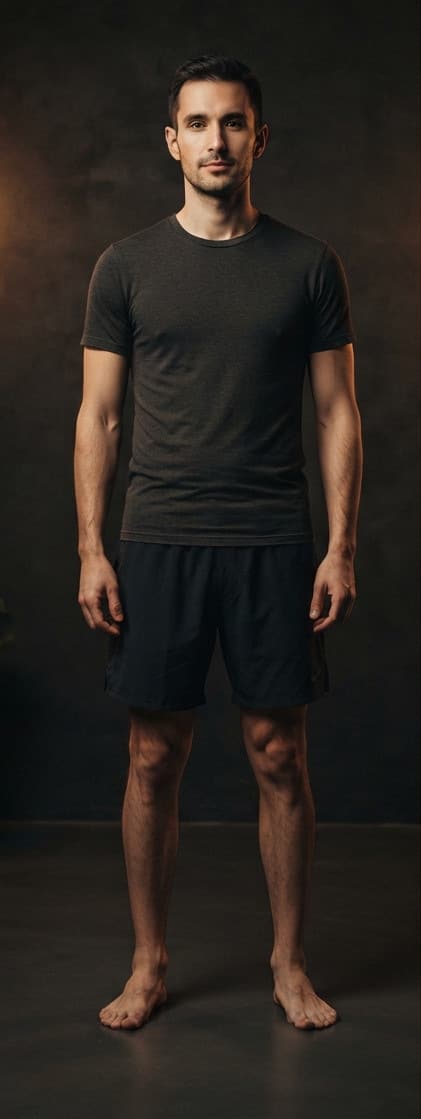
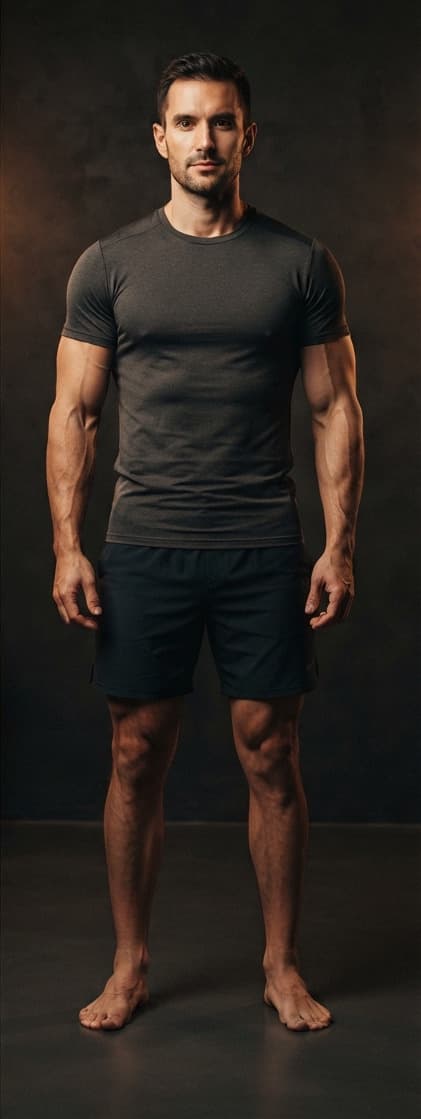
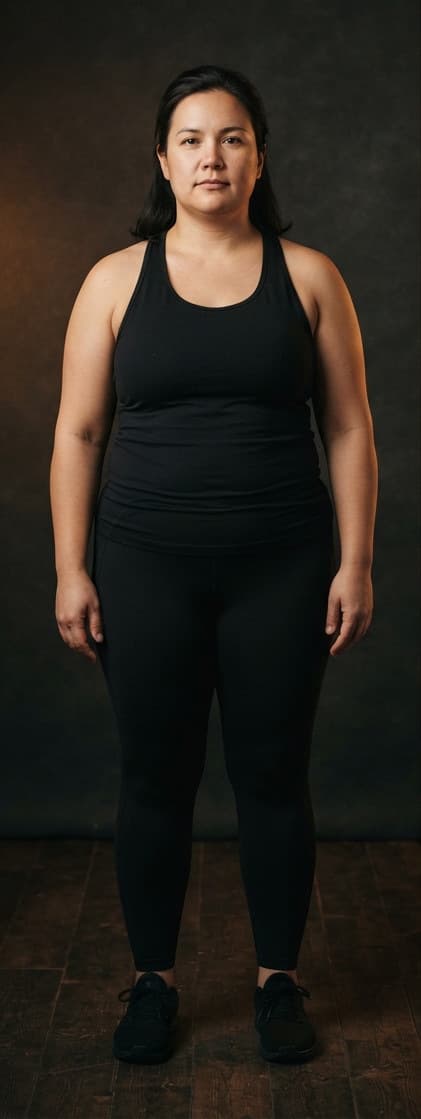
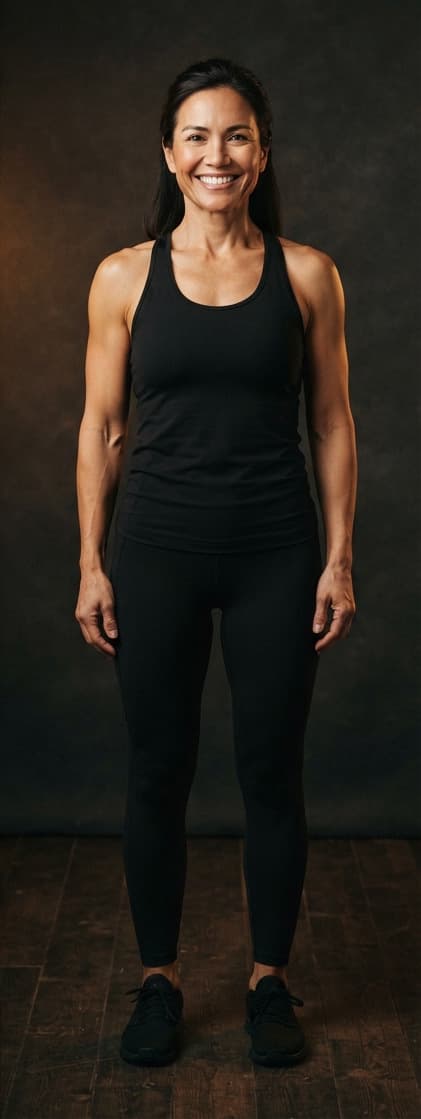



Your photos stay on your iPhone.
No account. No server. Nothing uploaded. Every photograph you take is stored in the app on your own device, and the analysis that lines your shots up runs there too — nothing is sent anywhere to be processed.
- No sign-up, no login, no email address.
- Anonymous product analytics you can switch off in Settings — never your photos, journey names or measurements.
- No advertising and no tracking identifiers.
- Image analysis runs on your iPhone, never in a cloud.
- Your photos are included in your iPhone backup, so a new phone keeps them.
- Deleting the app deletes everything. There is no copy elsewhere.
The details are in the Privacy Policy, which is written to be read rather than to be survived.
Questions
- Does LAPSE upload my photos anywhere?
- No. There is no server to upload them to. Photographs are copied into the app's own storage on your iPhone and stay there. The framing analysis that tells you when you match your reference runs on the device, in memory.
- What happens if I miss a check-in?
- Nothing. You carry on with the next one. A journey does not reset, there is no streak to break, and the app will not make you feel bad about a gap.
- Is it free?
- One journey is free to keep and to check into for as long as you like, with reminders, comparisons and playback. A subscription or one-time unlock adds further journeys and lets you export your transformation as a video file.
- What happens if I stop subscribing?
- Nothing you have already made is taken away. Your photographs and journeys remain and you keep checking into your free one. What lapses is running more than one journey and exporting video files.
- Can I bring photos I already have?
- Yes. Pick as many as you like and LAPSE reads the date each one was taken, then builds your timeline from the oldest — so a year you already photographed becomes a journey you can play back.
- Why does it ask for the camera and for motion?
- The camera is the app. Motion is the phone's tilt, used to tell you when the angle matches your reference photo. Neither is recorded and neither leaves your device.
Anything else: sandi.peklaric@gmail.com