
How to take progress photos that actually compare
You take a photo. Months later you take another, look at the two, and cannot tell whether anything happened. Usually something did — the photographs just are not comparable.
Why most progress photos do not compare
The distance changed
A step closer makes anything look bigger. Distance is the single biggest reason two photographs of the same subject disagree, and it is invisible in the moment.
The angle changed
Phones get held a little higher, a little more tilted. A few degrees of tilt lengthens or shortens whatever you are photographing.
The light changed
Morning light and evening light land differently on the same skin, the same leaf, the same wall. Shadow reads as shape.
The pose changed
Standing differently, a different expression, a hand somewhere else. Small variation reads as change when you are looking for change.
What makes two photographs comparable
Four things kept the same. That is the whole method.
01
Keep one reference photo
Pick the first photograph and never replace it. Everything later is compared against that one, not against the one before it — otherwise small drifts compound until month six looks nothing like month one.
02
Match the frame, not the memory
Line the new shot up against the reference while you are taking it. Trying to remember where you stood does not work; seeing the old photo while you frame the new one does.
03
Keep the distance and the tilt
Same spot on the floor, same height, same angle. These are the two that drift most and the two that matter most.
04
Photograph at the same time of day
Same light, same direction of shadow. If you can only manage one thing from this list beyond the reference, make it this one.
What people track
Anything that looks the same day to day and different over months.
- Bump photos, week by week
- Progress pictures that show the change
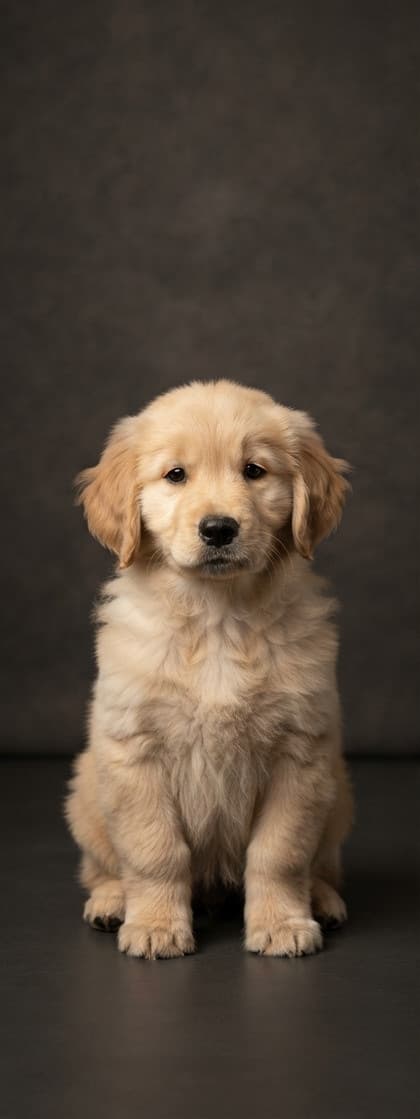
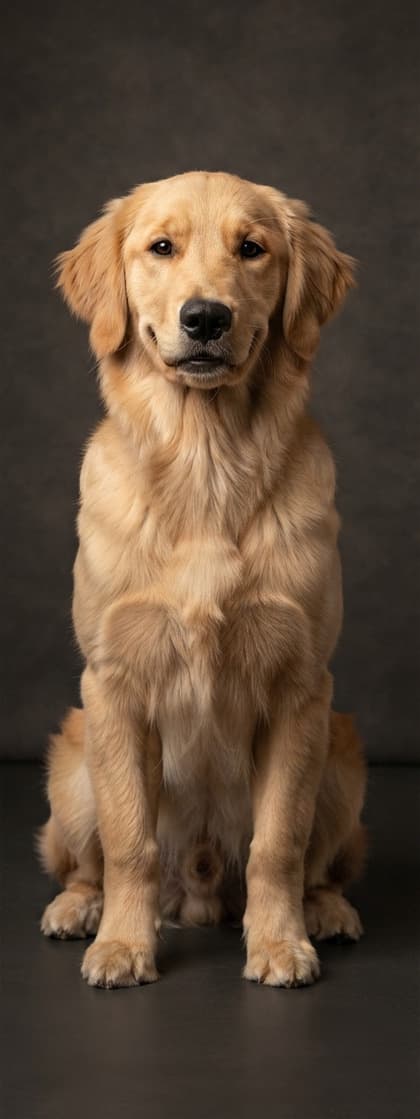
- Puppy growth photos
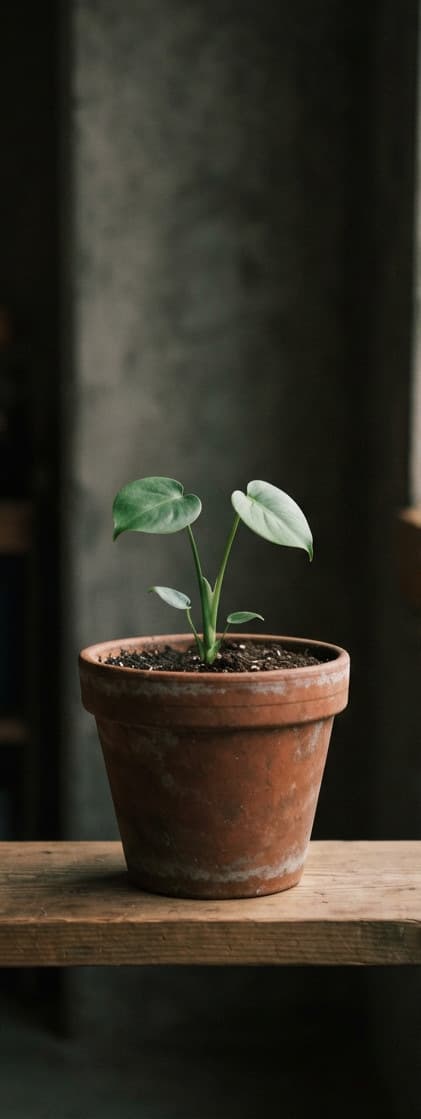
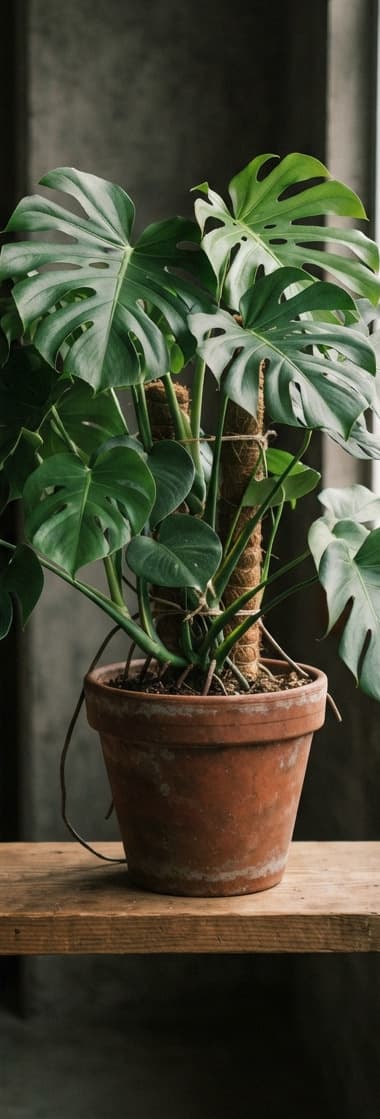
- Photographing a plant as it grows
- Matching the angle of an earlier photo
- Turn photos you already have into a timeline

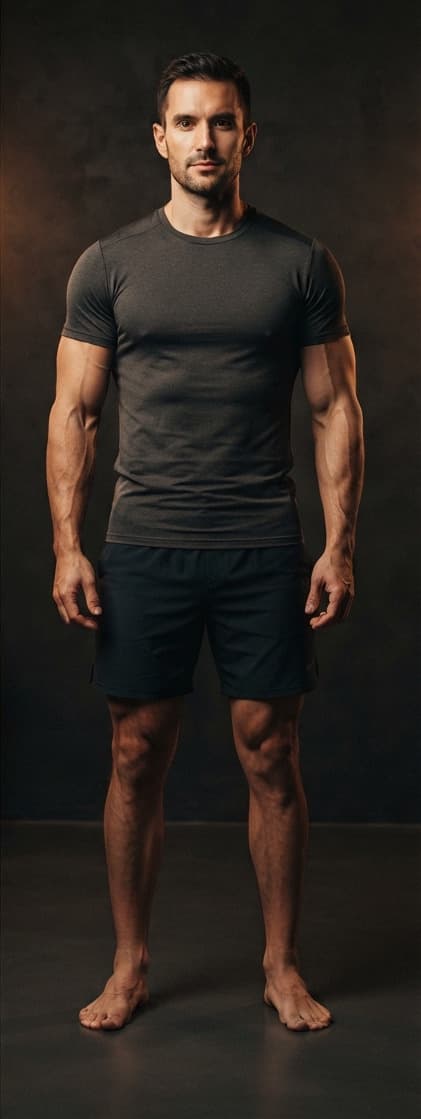
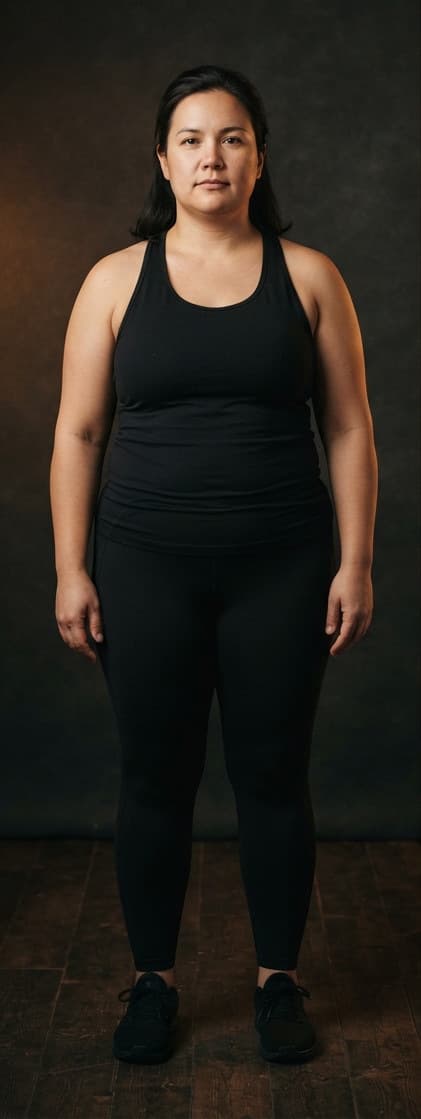

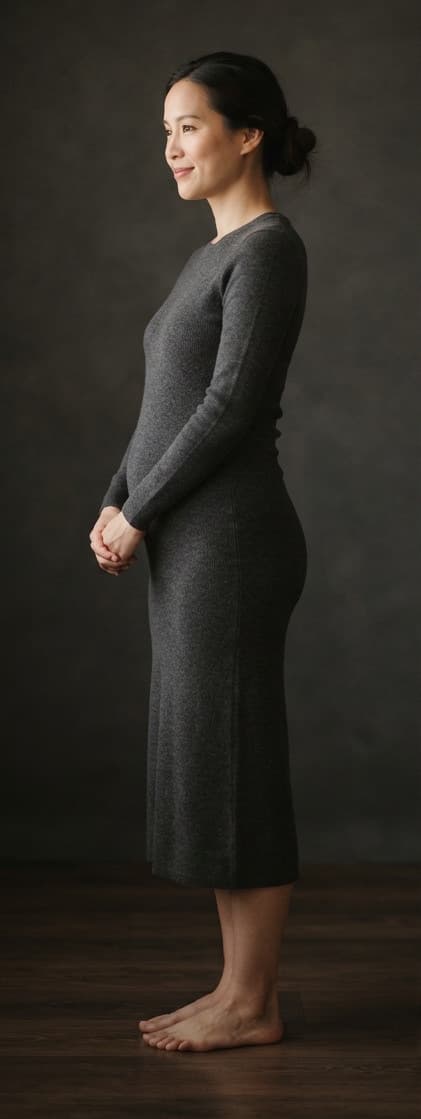
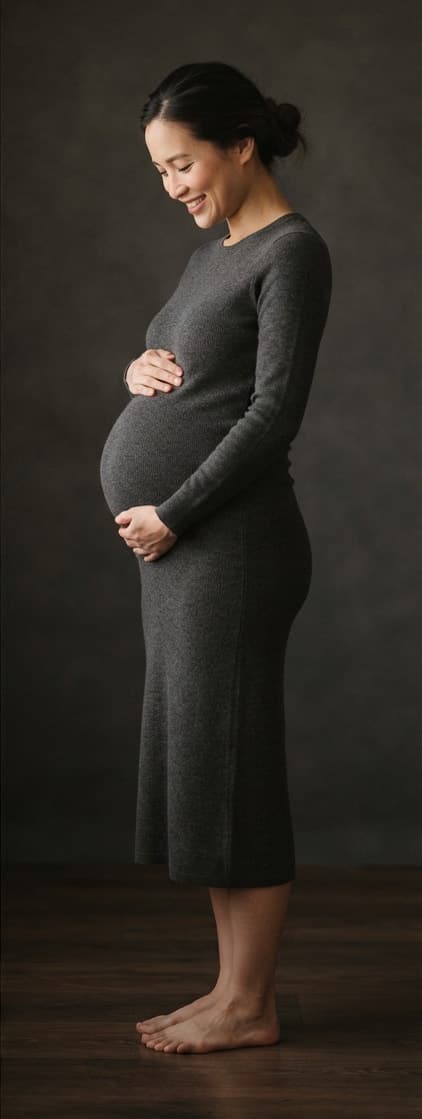
How LAPSE does it for you
LAPSE holds your reference photo on screen while you frame the next one, reads the framing and the phone's tilt, and tells you when you match. Then it plays the whole set back in order, so months of small change become one movement. The photographs stay on your iPhone.
Start with one photograph
The first one does not need to show anything. It just gives every later photograph something to line up against.
What it does with your photos